HonorHealth Foundation videoconference backgrounds
• Choose a design for your videoconference background image
• Click the link to download the design in the size appropriate for your monitor's display ratio (16:9 is the most common, or scroll to bottom for display ratio/size help)
• Platform-specific instructions to install the background image: Zoom | Webex | MS Teams | Hangouts
HonorHealth Foundation "desertscape" videoconference background image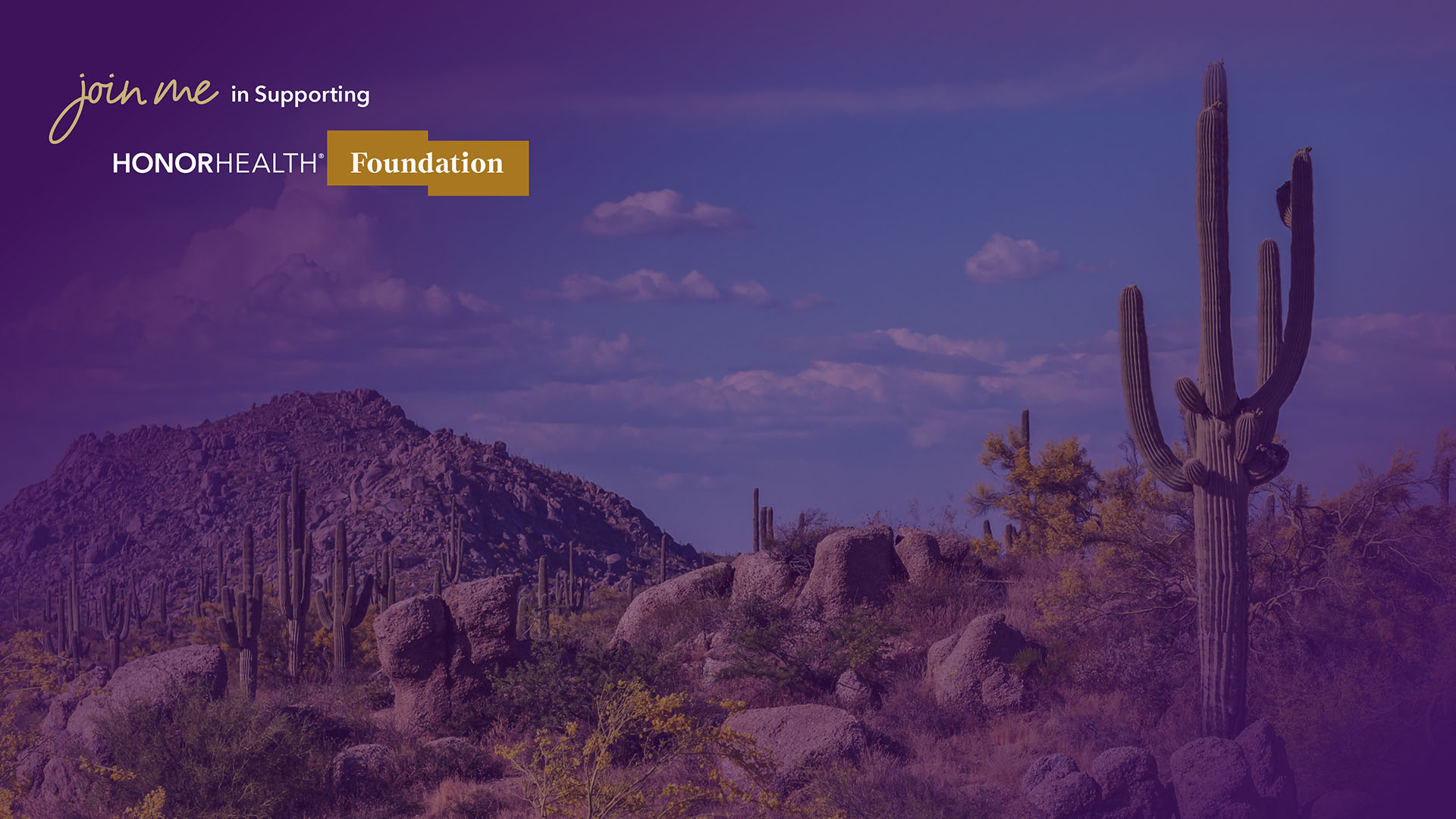
Download 16:9 ratio (right-click this link, and choose "Save link as...")
Download 4:3 ratio (right-click this link, and choose "Save link as...")
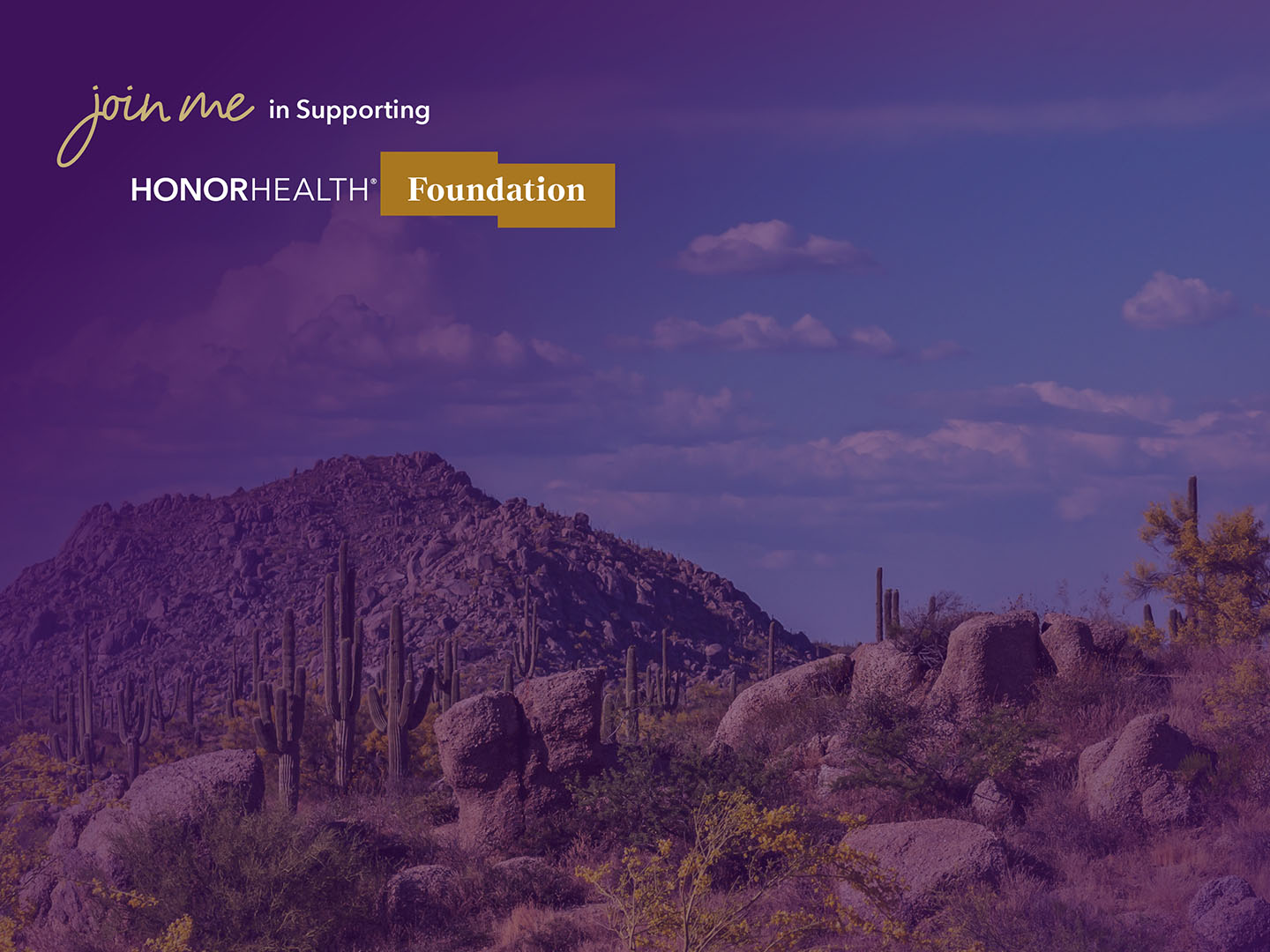
HonorHealth Foundation "purple" videoconference background image
Download 16:9 ratio (right-click this link, and choose "Save link as...")
Download 4:3 ratio (right-click this link, and choose "Save link as...")

HonorHealth Foundation "light" videoconference background image
Download 16:9 ratio (right-click this link, and choose "Save link as...")
Download 4:3 ratio (right-click this link, and choose "Save link as...")

Need help determining your monitor's display ratio?
Windows
• Right-click on the desktop (on an area without shortcuts), select "Display settings"
• In the Display settings window, scroll to "Resolution" field, where the dimensions are shown
Apple
• Click the Apple menu (Apple icon in the upper-left corner of the screen), and select “About This Mac”
• In the new window, click the “Displays” tab, and the dimensions will be shown next to the display size
Ratio equivalents
• 16:9 ratio = 1920 x 1080 (also 2560 x 1440; 1600 x 900; 1440 x 900; or 1366 x 768)
• 4:3 ratio = 1400 x 1050 (also 1920 x 1440; 1440 x 1080; 1280 x 960; or 1024 x 768)