Team Captain Tool Kit
As a Team Captain, thank you, for being the “go-to” person for educating, motivating, and inspiring your fellow team members about the Honored to Help campaign.
Below you will find flyers and other resources to post in your departments and share with your teams. To save a flyer to your computer for printing/distribution, right click the flyer link/image, select "Save link as..." and then choose a location where you can easily find it (or click to open the file and choose to either download or print).
Overview and tools
Did you Know: Employee Crisis Assistance Program flyer
Did you Know: Military Partnership Program flyer
Did you Know: K-9 Security Program flyer
Did you Know: Desert Mission Food Bank flyer
Honored to Help: Heart Month Challenge Match flyer (PDF format)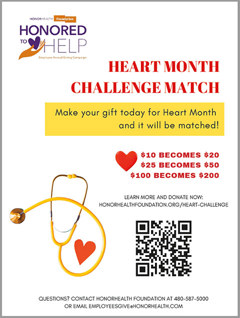
Power BI Quick Start Guide (PDF format) - track your team’s employee giving participation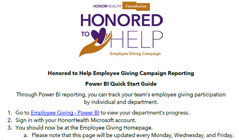
Honored to Help: donate by text message flyer (PDF format)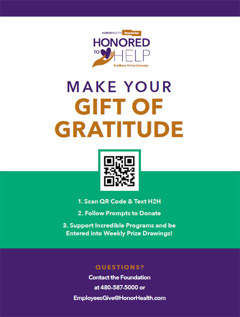
Honored to Help: email signature logo (right-click and select "save link as..." to download)
How to add the H2H logo to your email signature...
| Outlook Select File (top-left menu) >> Select Options (left column, bottom) >> Select Mail (left column, near the top) >> Select Signatures >> Create and/or edit signature >> Save |
Outlook.com Sign into Outlook.com and select Settings (top-right "gear" icon) >> Select "View all Outlook settings" (bottom-right) >> Select Mail (left column) >> Select "Compose and reply" (center column labeled, "Layout") >> Select "+ New signature" (or edit existing) >> Save |
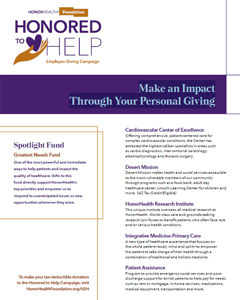
Honored to Help: Programs and Funds flyer (PDF format)
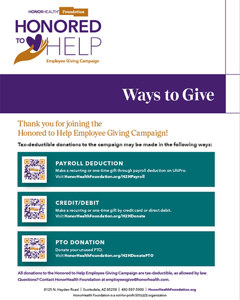
Honored to Help: ways to give flyer (PDF format)
Videos
Honored to Help video resources
Spotlight Fund: HonorHealth Greatest Needs
HonorHealth Foundation – We Honor
HonorHealth Bob Bove Neuroscience Institute
HonorHealth Cardiovascular Center of Excellence
HonorHealth Desert Mission Food Bank
HonorHealth Forensic Nurse Examiners Program
HonorHealth Research Institute
HonorHealth K-9 Security Program in the news!
HonorHealth NICU